Description
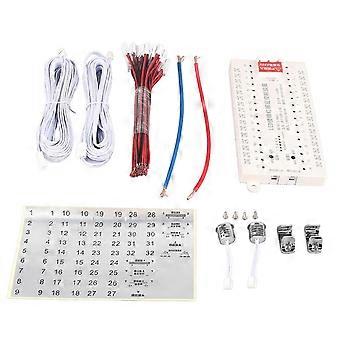
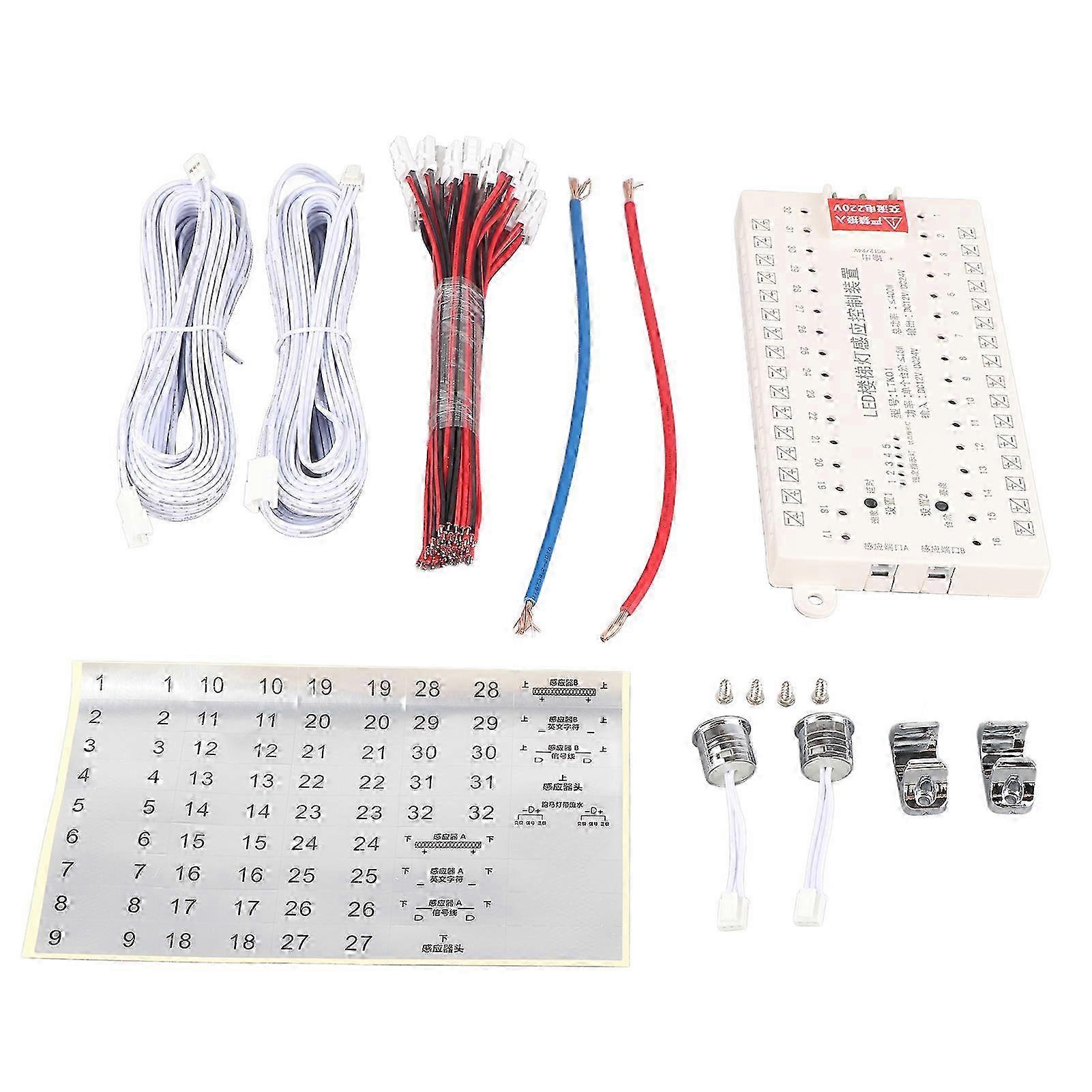
12V/24V LED Light Motion Sensor Kit Smart Stair Step Light Controller
Item Type: LED Light Induction Kit_x000D_
Product Model: LTK01_x000D_
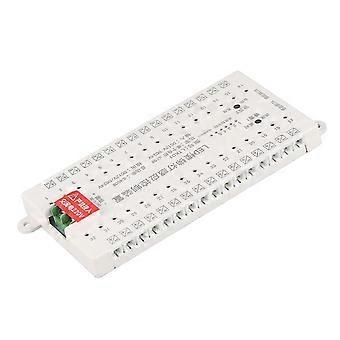
Input Voltage: DC12V/DC24V_x000D_
Output Voltage: DC12V/DC24V_x000D_
Output Power: Single Step 15W, Total Power: 400W_x000D_
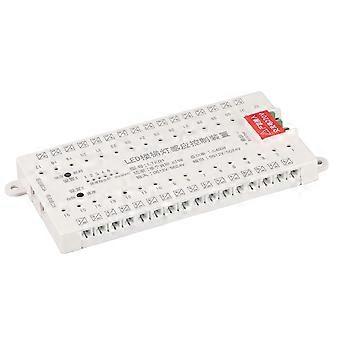
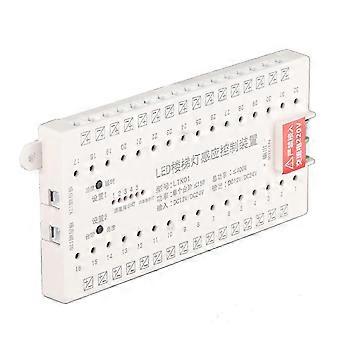
Ports: 32_x000D_
Induction Head: 2 (AB)_x000D_
Protection Class: IP20_x000D_
Signal Mode: Human Body Induction_x000D_
Control Method: Induction Control_x000D_
Control Range: Approx. 30 meter / 98.4ft_x000D_
Interface Type: For DuPont Interface_x000D_
Applicable Scene: Home, hotel, bar_x000D_
_x000D_
_x000D_
Insert the LED strips into the controller ports of the corresponding stair steps in sequence._x000D_
For Example: _x000D_
The lamps on the first step are directly inserted into the interface 1 corresponding to the controller; the lamps on the second step are directly inserted into the interface 2 corresponding to the controller; the lamps on the third step are directly inserted into the interface 3 corresponding to the controller; and so on_x000D_
This controller has 32 ports. According to the actual situation, you can insert the required light strips in order and do not need to pay attention to the redundant ports. You can also add light strips later._x000D_
Lamp Controller Interface: For DuPont interface, left +, right ?_x000D_
LED Stair Light Sensor Controller Operating Instruction: _x000D_
Number of Stair Steps Settings: _x000D_
Press and hold the Settings 2 button for 2s, the red light flashes, and then press the Settings 1 button to select the number of stairs to set. After selecting, release the hand for 5s and the red light will turn off, and the setting is complete._x000D_
Lighting Speed Setting: _x000D_
Press and hold the Setting 1 button for 2s, the red light flashes, and then press the Setting 1 button to set the speed 1?5, 1 is the slowest, 5 is the fastest; The light goes out and the setting is complete._x000D_
Brightness Settings: _x000D_
When the LED Light is on, press the Setting 2 button to enter the 5 level brightness selection lighting delay setting: _x000D_
Press and hold Setting 1 button for 3s, enter the delay settings 1?5 levels, respectively, the first level is a delay of 10s, the second level is 20s, the third level is 30s, and the fourth level is 40s, fifth level is 50s.
-
Fruugo ID:
385446322-828615591
Product Safety Information
Please see the product safety information specific to this product outlined below
The following information is provided by the independent third-party retailer selling this product.
Safety Warnings:
Do not let your children touch this product alone to avoid swallowing or other injuries
Delivery & Returns
Dispatched within 24 hours
Shipping from China.
We do our best to ensure that the products that you order are delivered to you in full and according to your specifications. However, should you receive an incomplete order, or items different from the ones you ordered, or there is some other reason why you are not satisfied with the order, you may return the order, or any products included in the order, and receive a full refund for the items. View full return policy