Description
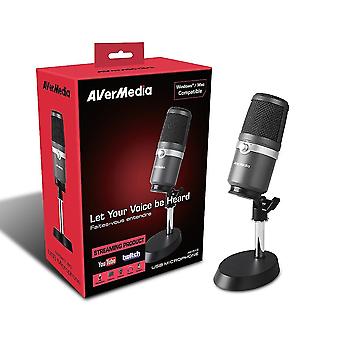
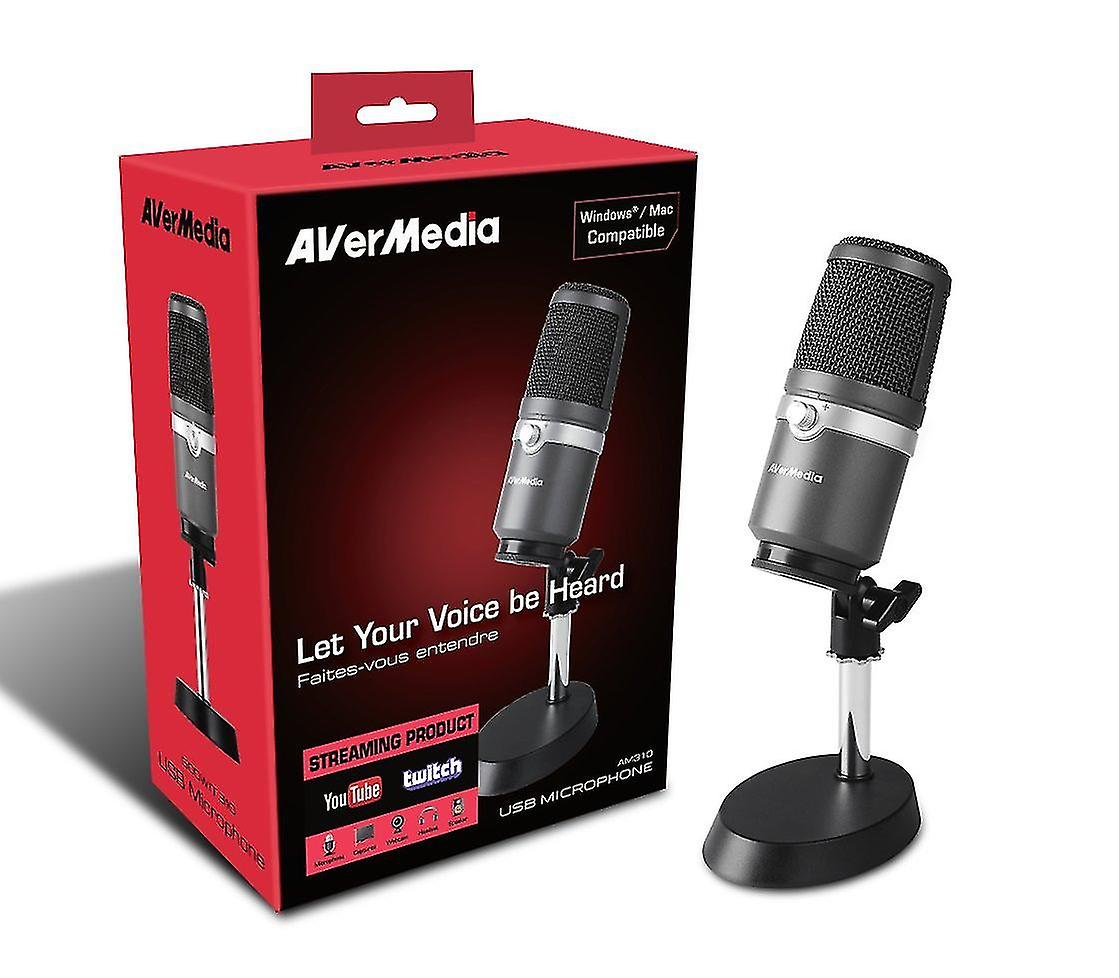
Avermedia Usb Microphone Am310
AVerMedia AM310 is a plug and play USB microphone that lets you record high quality sound for podcasting, streaming, gaming, and more. Immerse your audience with clearer, richer, and warmer recorded sound.
High-Quality Cardioid Microphone: ideal for gaming, podcasting, voice recording, music recording, and live streaming
USB 2.0 Plug and Play. Convenient, no driver needed, PC and Mac compatible. Zero-Latency Microphone Monitoring. Headphones Volume and Mic Mute Controls PC Audio Playback Features
Record Like A Pro
AVerMedia AM310 is designed for music performers and live streamers who long for studio-quality sound. The built-in cardioid condenser records sound sources that are directly in front of the microphone, delivering detail, accurate, full-bodies sound.
Fuss Free Setup
With its driver-free and plug-and-play design, installing AVerMedia AM310 is a breeze. Simply plug it into a USB port on your PC or Mac, and youâre ready to record.
Live Monitoring
AVerMedia AM310 comes equipped with a 3.5 mm headphone jack that enables you to either listen to what youâre recording in real-time or whatâs playing on your computer, all at the toggle of a switch. A headphone volume knob with mic mute function is also included for easy control.
Auto Playback/Output Defaulting
For your live performance, AVerMedia AM310 lets you monitor your voice during streaming.
As you plug AVerMedia AM310 into your PC, it will be identified as your Playback/Output device. Just plug in your headphones at the back of AVerMedia AM310 and start your journey
Want to change it back? No problem
Hereâs how.
On a PC
Step 1: Go to Start Menu â Control Panel â Hardware and Sound â Sound â Manage Audio Devices
Step 2: Under âPlaybackâ, right click to DISABLE the AVerMedia AM310, and ENABLE your desired Playback device
On a Mac
Step 1: Go to System Preferences â Sound â Output
Step 2: Select your desired output device from the list
Record Vocals and Instruments
Want to record a stunning demo? No problem. AVerMedia AM310 is best for recording single source facing the microphone. Whether yourâre a vocalist and/or instrumentalist, every resounding note and subtle vibrato will be captured in great detail.
Ideal for Live Streaming
Are you looking to better your voice for streaming? Look no further. AVerMedia AM310 offers the best sound, build quality, and feature combination of its class. Add more glamour to your voice and take your channel to the next level.
Technical Specification
Type: Uni-directional condenser microphone
Polar pattern: Cardioid
Sample rate: 48 kHz
Bit rate: 16-bit
Power required: USB (5V DC)
Sensitivity: -60 ± 5 dB (at 1 kHz, 0 dB = 1 V/u bar)
Frequency response: 20â20,000 Hz
Dimensions (mic) (W x D x H): 90 x 130 x 270 mm
Weight (mic): 468 g ± 5 g (1.03 lb ± 0.17 oz)
Requirements
Windows® 10 / 8.1 / 7 or Mac OS 9 / X
USB 2.0 port or newer
In The Box
USB Microphone AM310
Based and shaft
Mount
USB cable
Quick guide
-
Fruugo ID:
235804343-504651457
-
EAN:
4710710678142
Delivery & Returns
Dispatched within -1 days
Shipping from United Kingdom.
We do our best to ensure that the products that you order are delivered to you in full and according to your specifications. However, should you receive an incomplete order, or items different from the ones you ordered, or there is some other reason why you are not satisfied with the order, you may return the order, or any products included in the order, and receive a full refund for the items. View full return policy