Description
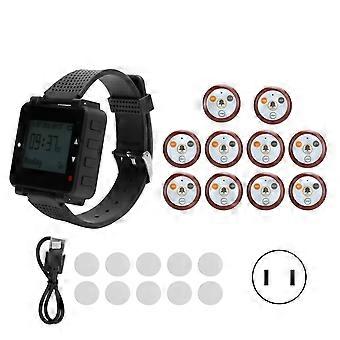
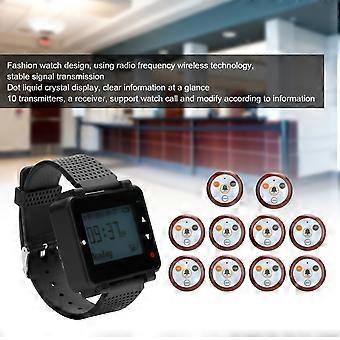
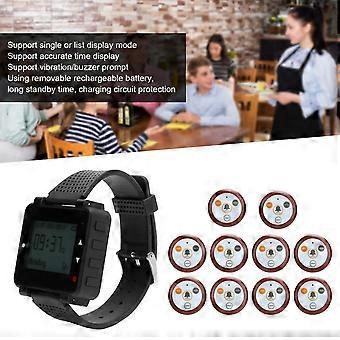
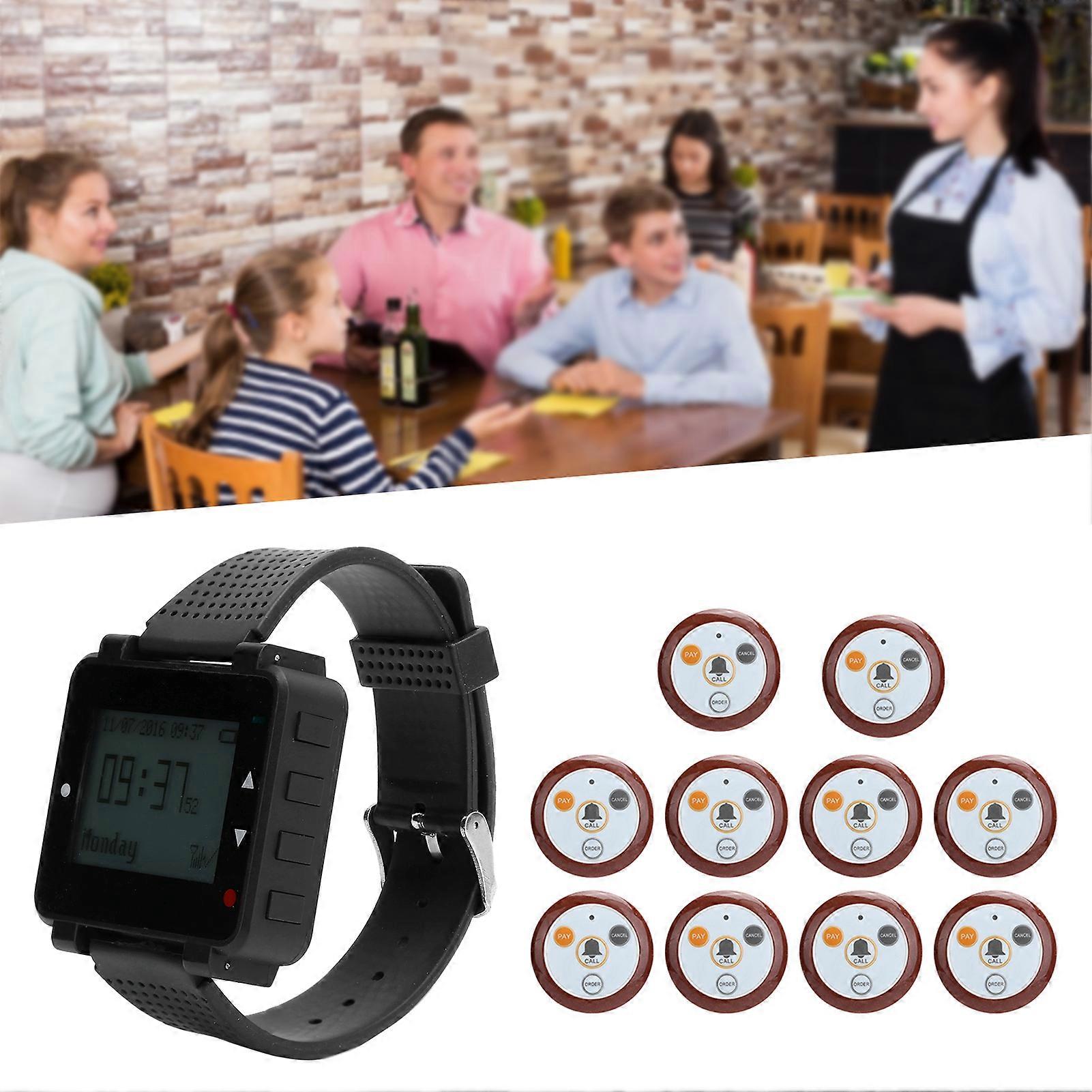
Calling System Button for Restaurant SUC04, 400mAh Battery, IPX4 Waterproof
Calling System Button for Restaurant Meal Taker Computer Supplies SUC04
Item Type: Calling System ButtonWatch Receiver:Working Frequency: 433.92MHz
Battery Capacity: 400mah
Working Current: 56mA±10mA (buzzer mode)
95±10 (vibration mode)
Standby Current: 7mA±0.2mA
Receiving Sensitivity: -108dBm
Decoding: Learning the code
Waterproof Rating: IPX4
Working Temperature: -20℃~ 55℃Button Transmitter:Working Frequency: 433.92MHz
Material: ABS+PVC+Viscose
Battery: DC6V (CR2032x2)
Battery Capacity: 200mah
Emission Current: 10mA±3mA
Standby Current: <1uA
Open Distance: >200m
Keys: 1 million times
Waterproof Rating: IPX4
Working Temperature: -20℃~ 55℃
4 Buttons: Call, check out, place an order, cancelHow e:
Technical Parameters Working Frequency: 433MHz/315MHz
Working Current: <8.5mA
Standby Current: <20uA
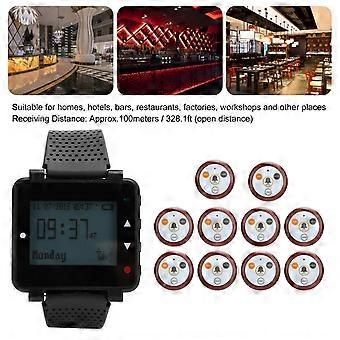
Receiving Distance: Approx.100meters / 328.1ft (open distance)Receiving Sensitivity: Better than -110dBm
Ambient Temperature: -20℃—55℃Function Key Description:
Button Description: Short press-press for less than 1 second to release
Long press-press for 3 seconds to release
1. Settings/≡: Long press to enter the menu setting, short press to confirm and enter the next menu;
2. Upward/△: Short press for single upwards, long press for continuous upwards;
3. Scroll Down/▽: Short press to scroll down individually, long press to scroll down continuously;
4. Exit/: Short press to clear current call information, long press to delete all call information
In the setting state, short press to return to the previous menu, long press to return to the desktop (standby state)Code:
When the code matching backlight is not bright, press any key to wake up the backlight and then operate
1. In the standby mode, press the "Settings" button once to enter the menu
Press the "Settings" key once again to enter and display 0000. The first digit is the area code (1-9A-Z). Each time you press ``Settings'', the polished bar will jump to the next digit. Press the last digit 0 and then turn it up to 1. At this time, it is the number 1, each number can only Learn a transmitter (maximum cannot exceed 999)
2. After selecting the number 0001, the watch will display "Uncoded"
Touch the transmitter and it will appear "code paired". This transmitter is successfully coded
At the same time, the number will automatically cycle to "0002" and then touch the transmitter without code matching to 0002, and so on to 999
Delete launcher
1. Delete all
In the standby mode, short press "Settings" once to check the code on the pager. Press "Settings" and then scroll down to delete all. Use the setting button to short press and then enter the password "8888" and long press "Settings" to delete all
2. Delete a single transmitter according to the code matching procedure, such as "0001" set to 0001 and long press the "Settings" table, it will show that the code has not been checked, indicating that it has been deleted
Key Function Setting:
1. After the user has learned the emitter, the function displayed by pressing the corresponding button of the emitter is inconsistent with the function on the emitter. At this time, it is necessary to reset the button functions of the emitter. Press the setting twice in the standby state to enter the menu and then Press "Up and Down" to move the cursor to "Key Position Function Setting" and then press to enter the waiting display 0000, the first digit 0 is "Zone 0 to 9 Zone A to Z" Press "Settings" to enter the setting according to the area you coded Later, for example, when it displays "Add Water", please touch the water button of the transmitter button. The watch will beep and display the correct setting, indicating that the setting is successful. Press the watch to scroll up and down "Call, Checkout, Order, Service, Cancel"
The Mode Is: "Change dressing, call, critically ill, remove needle, cancel" and display a function in the same way. Just touch the corresponding button of the transmitter. Just learn 1 transmitter. After setting, press the return button to return to the homepage.
Time Setting:
1. After entering the menu, scroll down the cursor to "Time and Date Settings", short press "Settings" to enter the menu, and then short press the settings to move the cursor to "Hours, Minutes, Seconds, Year, Month and Day", scroll up or down to the corresponding time setting and press The return key is success
Alarm Setting:
1. In the standby mode, press the setting twice to enter the menu and then press the "Up and Down" to move the cursor to the "Alarm Settings", then short press to enter the "Alarm Settings", short press to add the setting time, and then short press to set to The date "Up" is required and "Down" is the removal date
2. To delete the alarm, move the cursor to the set time and long press the "Settings" button to delete the setting and press the return button
Timing Clear Time Setting:
1. After entering the menu, "turn up and down" and move the cursor to "Timer Clear Time Setting", short p
-
Brand:
Unbranded
-
Category:
Pagers
-
Fruugo ID:
414331829-875294182
-
EAN:
9471338315394