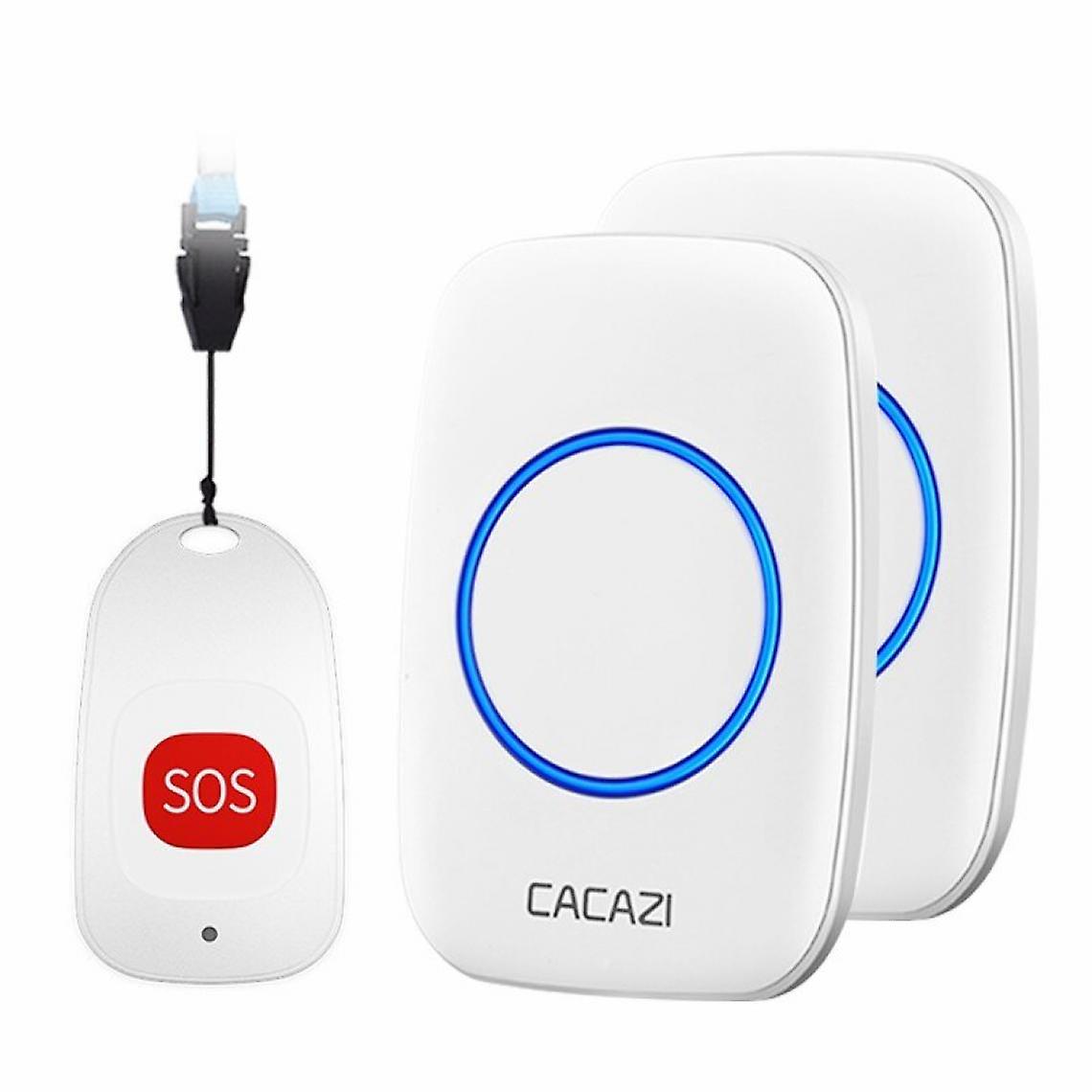
Wireless Remote Control, Remote Control, Doorbell.(white)

£84.00
+ £5.99 Shipping

Wireless Remote Control, Remote Control, Doorbell.(white)

  • Brand: Unbranded
Sold by:

Wireless Remote Control, Remote Control, Doorbell.(white)

  • Brand: Unbranded

£84.00

Currently unavailable
+ £5.99 Shipping

14-Day Returns Policy

Sold by:

£84.00

Currently unavailable
+ £5.99 Shipping

14-Day Returns Policy

Payment methods:

Description

Wireless Remote Control, Remote Control, Doorbell.(white)

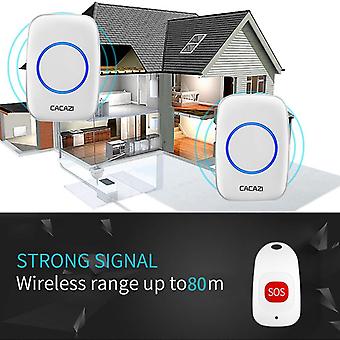
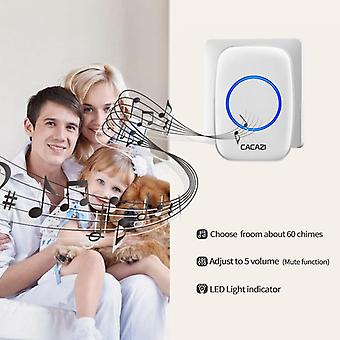
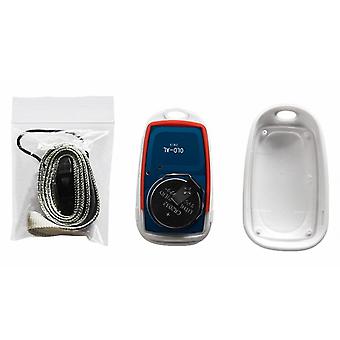
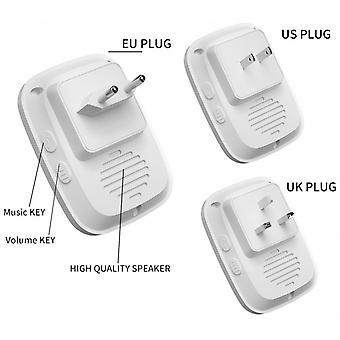
Connected doorbell and video door phone - Universal - Wireless remote control, remote control, doorbell.(white) Highlights Universal Wireless remote control, remote control, doorbell.(white) Data wireless home remote control Features and specifications: 1 .The button supports up to 20 pcs and the receiver supports up to 100 pcs. 2.If multiple buttons are paired with one or more receivers in the same system, each button can be set to a different ringtone. (This function supports SOS button.) 3. Power off memory function: turn off the power again after power off, no need to reassign and lock ringer. (This function supports SOS button.) 4. The doorbell transmitter and SOS button has no screw chuck design, and it can be waterproof and dustproof without rubber ring. 5.The SOS button uses CR2032 battery. (Battery not included). 6. Receiver voltage: 110-220-240V. 7.The receiver comes in a variety of plugs, US/EU/UR/AU adapters, suitable for most countries. 8.DoorBell Distance: 80 meters in the open area. 9.The wireless signal will be affected by obstacles. The greater the obstacles, the more severe the signal loss. 10.Receur has 5 levels (can be mute) 0-110DB, 60 music to choose. 11.Size: SOS Button: 60x34x11.5mm, Receiver: 95x65x24mm. Note: The button cannot be placed on an iron door as it will interfere with the signal. How to associate signals? Pairing method: press and hold the VOLUME key on the receiver for about 5 seconds (the light is on), release the Volume button, then press the button immediately, the signal is paired successfully. How to edit and lock music? Press down the VOLUME button on the receiver before plugging in the power plug. Plug in the power plug until the receiver light turns on, release the volume button, press the MUSIC key to adjust to favorite music ringtone, hold the volume key again until until the light is on, press the transmitter twice immediately. and the music is successfully locked. How to solve if the work is not normal, when receiving the goods? 1. Try pairing signals first. 2. Please contact us, we will send video to help you. 3. If there is any problem with the product, we will send you the receiver or the button.
  • Fruugo ID: 171072637-365789844
  • EAN: 9163588952664

Product Safety Information

Please see the product safety information specific to this product outlined below

The following information is provided by the independent third-party retailer selling this product.

Product Safety Labels

CE Mark
Safety Warnings: Not suitable for children under 36 months

Delivery

Dispatched within -1 days

  • STANDARD: £5.99 - Delivery between Mon 13 July 2026–Mon 20 July 2026

Shipping from China.

Returns

We do our best to ensure that the products that you order are delivered to you in full and according to your specifications. However, should you receive an incomplete order, or items different from the ones you ordered, or there is some other reason why you are not satisfied with the order, you may return the order, or any products included in the order, and receive a full refund for the items.

View full return policy